← All plugins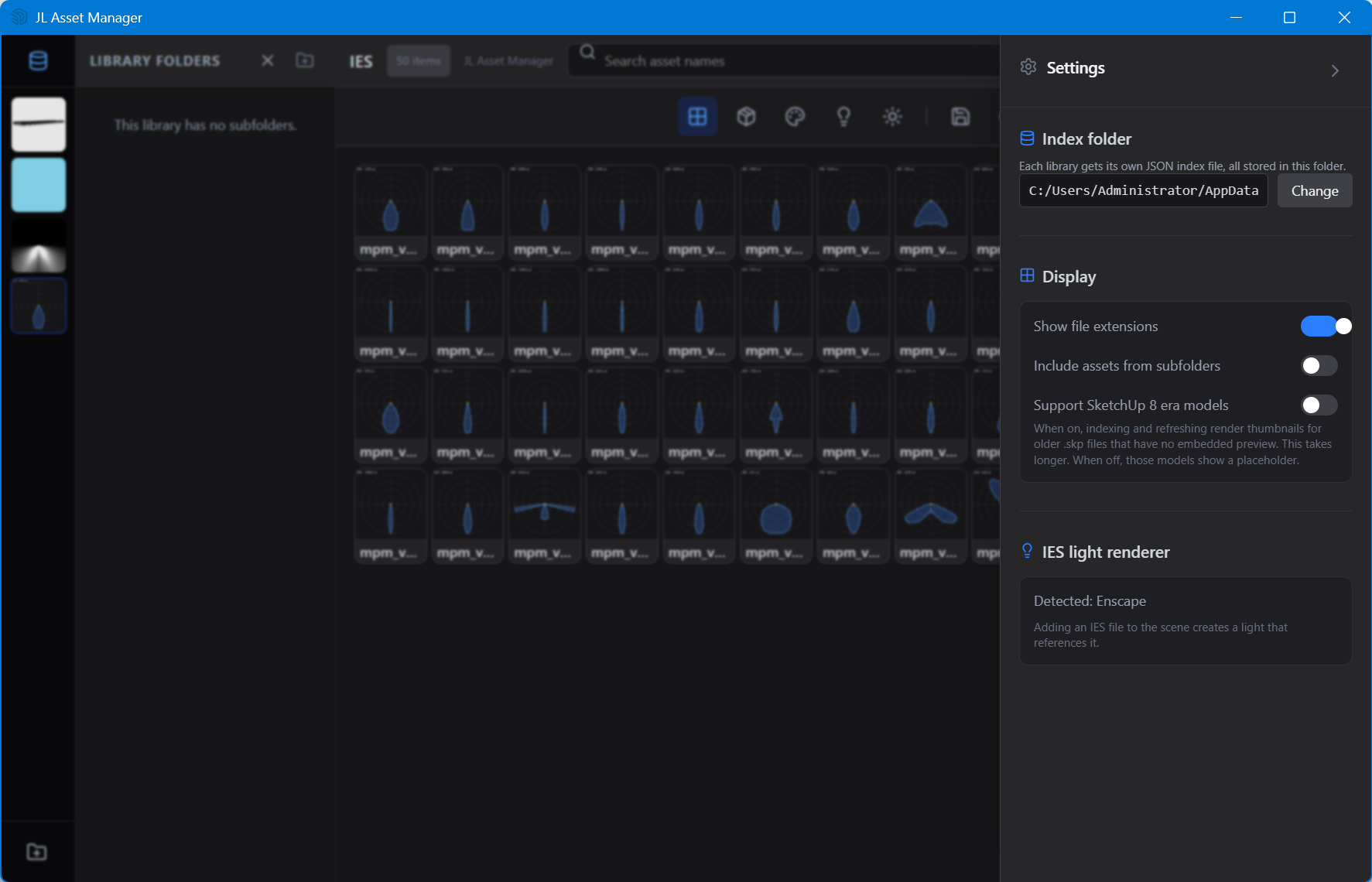
JL Asset Manager Free
Models, materials, HDRI and IES — inside SketchUp
Models, materials, HDRIs and IES files pile up and scatter across your drives, and you hunt for them every time. JL Asset Manager collects them into one panel inside SketchUp, where you browse, preview and use them without leaving the app.
This plugin is free while its integration with the modeling side keeps maturing — browsing, preview and organisation are solid; some actions are still being refined.
What it does
- One panel for many asset types3D models, material textures, HDRI and IES profiles, all organized in one place (HDRI is browse and preview for now).
- Smooth even for big librariesA virtual-grid interface keeps scrolling light with hundreds or thousands of assets.
- Keeps your folder hierarchyLoad a library folder and it shows the subfolder structure — organize by project, category or vendor, without changing your files.
- Thumbnail previewsThumbnails first, with a six-step size slider; .skp models use the Windows thumbnail path so you recognize them fast.
- Fits your modeling flowImport and place models, create a material and paint it, replace the selected face's material, and save a selected model or material back to the library — with rename and delete.
- IES to Enscape light in one clickSelect an IES profile to create an Enscape light that references it — correctly oriented, with a light-distribution curve preview; you can also replace a selected light's IES reference while keeping its original intensity.
Price & licence
Free
Free to download and use, including future updates.
Release files are published on the project's release page. Email us if you need a direct link.
Installing
In SketchUp: Extensions → Extension Manager → Install Extension, then pick the .rbz file. Restart SketchUp if the toolbar/menu does not appear.
FAQ
- Which asset types are supported?
- 3D models, material textures, HDRI and IES profiles.
- Will a big library lag?
- The interface uses virtual-grid rendering, built for large-library browsing.
- Which renderer can use the IES light?
- Currently Enscape; V-Ray is detected but not yet supported.
- Can HDRI be applied as environment lighting in one click?
- In the current version HDRI is browse and preview; applying it to the scene environment is still in development.
- Can it organize my existing folders?
- Yes — it shows your library's subfolder hierarchy without changing your original file structure.